

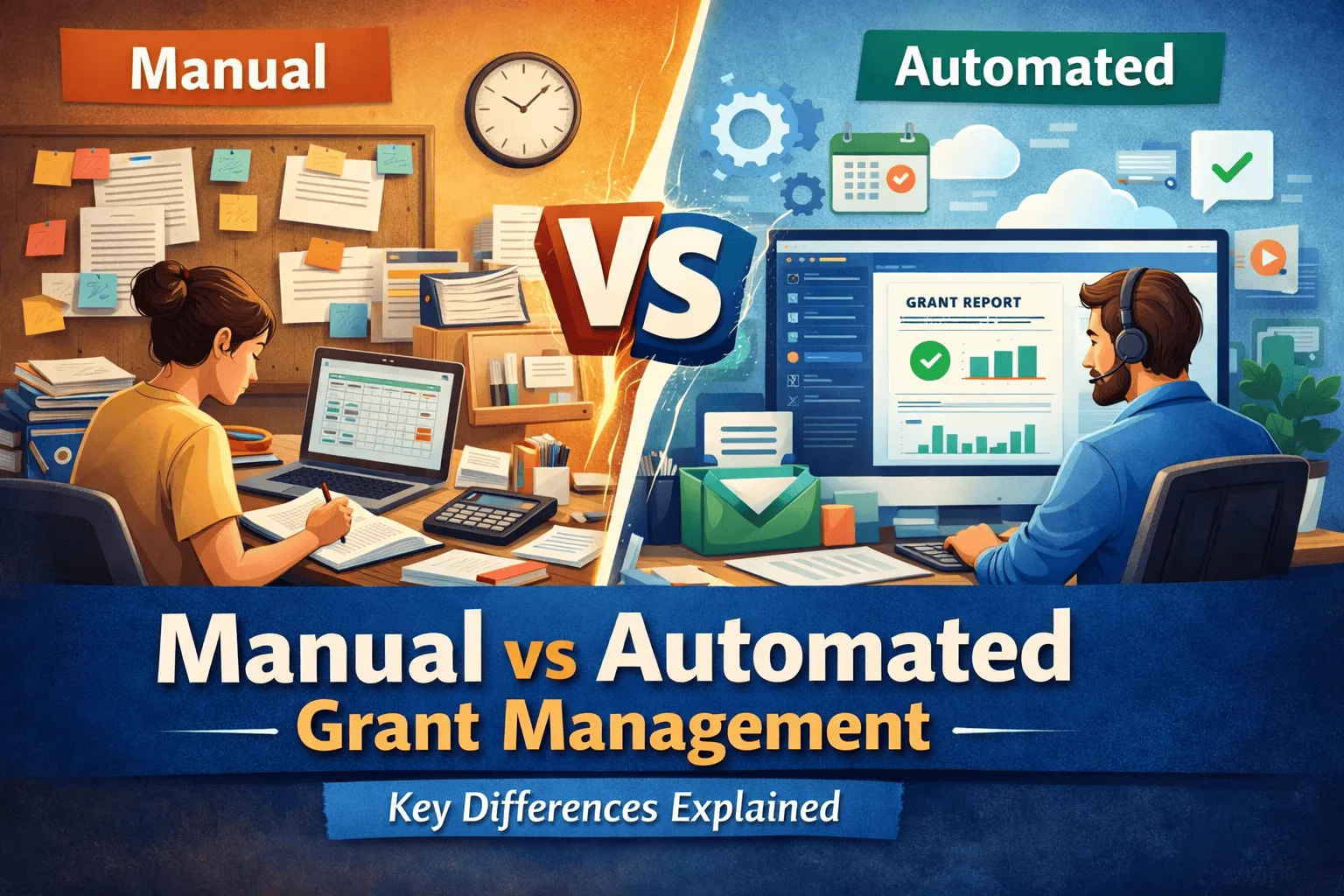
Every nonprofit manages grants somehow. The question is whether your approach still fits the size and complexity of your portfolio. Some organizations run effectively on spreadsheets, while others find that manual methods quietly cost them time, accuracy, and funding.
This article compares manual and automated grant management, walks through the key differences, and helps you decide when a change makes sense. The goal is not to argue that one approach is always right, but to help you match your method to your reality.
What is manual grant management?
Manual grant management relies on spreadsheets, email, and paper records to track applications, deadlines, budgets, and reports.
It has real advantages:
- Low upfront cost
- Familiar tools your team already knows
- Flexibility to structure things however you like
But it also carries real limitations:
- Human error from manual data entry
- Difficulty scaling as the number of grants grows
- No real-time visibility into status or budgets
- Compliance risk when requirements are tracked by hand
What is automated grant management?
Automated grant management uses dedicated software to centralize and streamline the work. Typical capabilities include:
- A centralized database for all grant information
- Automated workflows for routine tasks
- Deadline tracking with alerts
- Dashboards for status and budgets
- Compliance tracking and audit trails
Its benefits include:
- Significant time savings on repetitive work
- Greater accuracy with less manual entry
- Scalability as your portfolio grows
- Real-time insights for faster decisions
- Easier collaboration across teams
There are trade-offs to plan for as well:
- Setup time to configure the system
- A subscription cost
- Training so staff use it well
Key differences
Comparing the two approaches across six dimensions makes the contrast clear.
Efficiency and time
Manual processes consume hours on data entry and reminders. Automation handles routine tasks, freeing staff for higher-value work.
Accuracy and error reduction
Manual entry invites mistakes that ripple into reports. Automated systems reduce errors by capturing and validating data once.
Data visibility and reporting
Spreadsheets show a snapshot, often out of date. Dashboards give a current, shared view of the whole portfolio.
Compliance and audit readiness
Tracking requirements by hand is fragile. Automated audit trails and compliance checks make audits far less stressful.
Scalability
Manual methods strain as grants multiply. Software absorbs growth without a proportional increase in effort.
Collaboration and communication
Email threads and scattered files slow teams down. A shared system keeps everyone working from the same information.
The pattern across these six dimensions is consistent. Manual methods trade lower upfront cost for higher ongoing effort and risk, while automation trades upfront investment for lasting efficiency and control. Which trade-off makes sense depends entirely on the scale and complexity you are managing.
When is manual management still viable?
Manual methods can be perfectly adequate when:
- You manage fewer than five to ten grants
- Your grants are relatively simple
- Your budget is limited and the volume does not justify software
If that describes your organization, a well-organized spreadsheet may serve you fine for now.
When should you switch?
It is usually time to move to automated grant management software when:
- You are managing multiple grants simultaneously
- Reporting takes too long and pulls staff off other work
- Errors are slipping into budgets or reports
- Your team is growing and needs to collaborate
These are signs that manual effort has become a tax on your mission rather than a money saver.
Conclusion
Neither approach is right for everyone. The best choice depends on your portfolio size, complexity, and growth trajectory. Manual methods keep costs low for small, simple operations, while automation pays off as grants multiply and stakes rise.
If you are weighing the switch, you can schedule a demo to see how an automated system would handle your specific workload.